Got visitors from Europe? Then GDPR applies to you.
It doesn't matter if your business is in Texas, Toronto or Mumbai. If you track people from the EU with cookies or ads, you need their permission first.
The good news is you don't need a legal team. The right software handles most of it for you, often in minutes.
Here are the 8 best GDPR compliance software tools for 2027, from simple cookie banners for small sites to full privacy programs for big companies.
What Is GDPR Compliance Software?
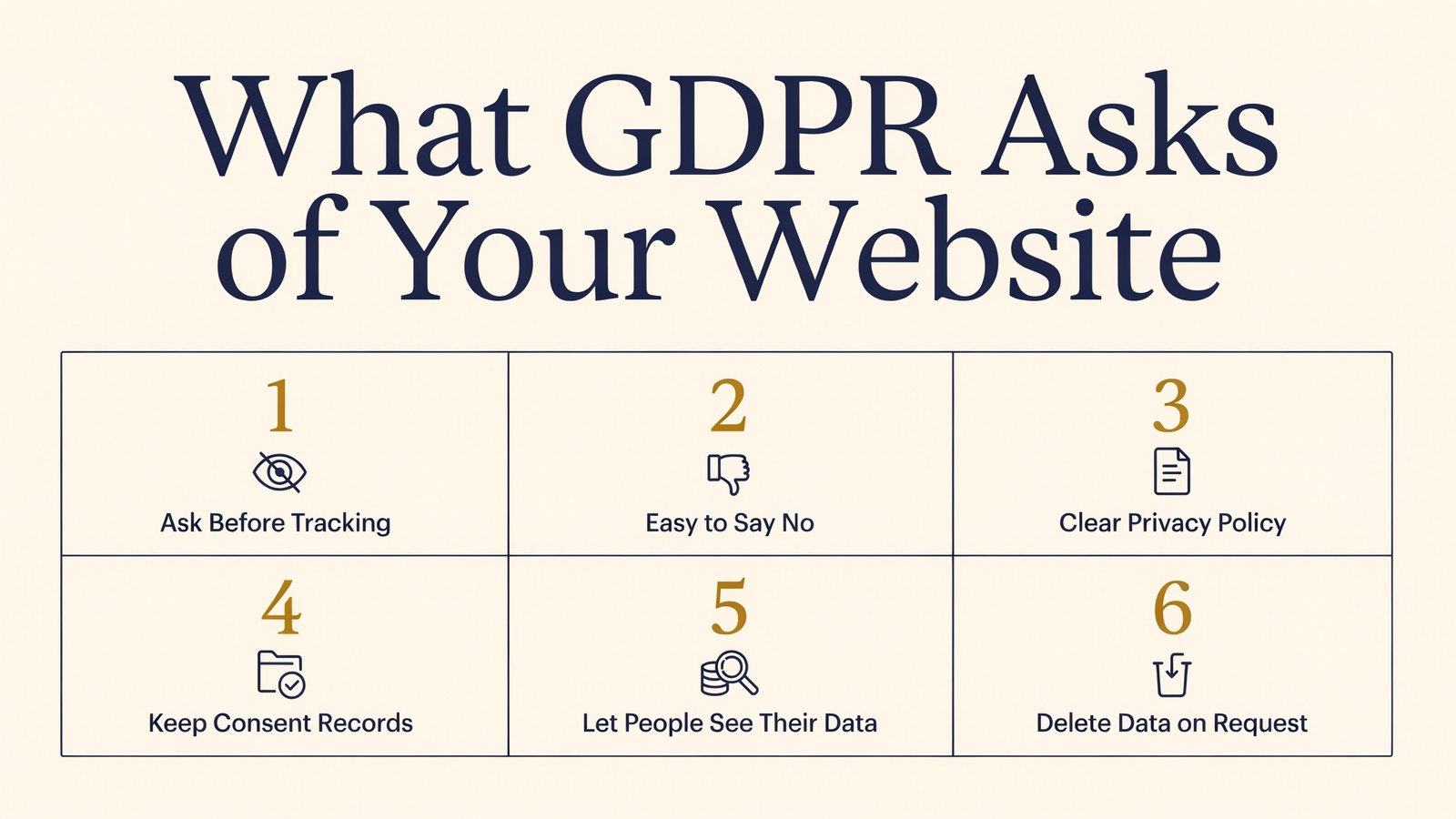
GDPR is Europe's privacy law. It says you must ask before you collect or track personal data, explain what you do with it, and let people change their minds.
GDPR compliance software does the heavy lifting. Most tools scan your site for cookies, show a consent banner, block trackers until people agree, and save a record of every choice.
Bigger platforms go further, with data maps, risk checks and tools to answer requests from people who want to see or delete their data.
Why It Matters More Than Ever
Fines are serious. Under GDPR, the biggest fines can reach 20 million euros or 4% of a company's worldwide yearly revenue, whichever is higher.
Your ads depend on it. Google requires Consent Mode V2 for audiences in Europe. Without it, your remarketing lists and conversion tracking suffer.
More laws keep coming. California, Virginia, Brazil, Canada and many others now have their own privacy rules.
Customers notice. A clear, respectful banner builds trust. A sneaky one sends people away.
Features to Look For
- Automatic cookie scanning that finds and sorts every cookie.
- A consent banner that blocks trackers until people say yes.
- Google Consent Mode V2 and Microsoft consent support for your ads.
- Consent records saved with an ID, so you can prove what each visitor chose.
- Different banners by region, like stricter rules for Europe.
- Many languages so every visitor understands the choice.
- Fair pricing that doesn't charge you per page view.
Quick Comparison
| Tool | Best For | Free Option | Starting Price |
|---|---|---|---|
| Complyfi | Small businesses and advertisers who want it done in 60 seconds | 30 day refund | $5.58/mo paid yearly |
| Cookiebot | Sites that want a well known consent banner | Free plan | $10/mo |
| Termly | Policies plus cookie consent in one | Free plan | $10/mo per site paid yearly |
| iubenda | Legal documents in many languages | Free plan | €4.99/mo |
| Secure Privacy | Growing sites that need more features | Free plan | $15/mo per domain |
| Osano | Mid-size companies building a privacy program | 30 day trial | Custom pricing |
| OneTrust | Large enterprises | Demo | Custom pricing |
| TrustArc | Regulated industries that want expert help | Demo | Custom pricing |
1. Complyfi

Complyfi is a consent management platform that gets your website compliant in under 60 seconds. Scan your site, add one small code, and you're done.
It visits your site with a real browser to find every cookie, even the ones set by scripts, and sorts them into vital, analytics and marketing groups. It rescans on a schedule so nothing new slips through.
Visitors get a clean consent popup where they can see what they agreed to and change it any time. Each choice is saved with a unique ID and IP, just as the rules require.
It supports GDPR, CCPA, Virginia's VCDPA, Brazil's LGPD, IAB TCF v2.2, Google Consent Mode V2 and Microsoft UET Consent Mode. That last part matters if you run ads, because it keeps your retargeting working.
You also get region-based popups, automatic language detection with AI translation, dozens of templates, DPO contact details inside the popup and a dashboard of consent trends.
Why It's the Best Value
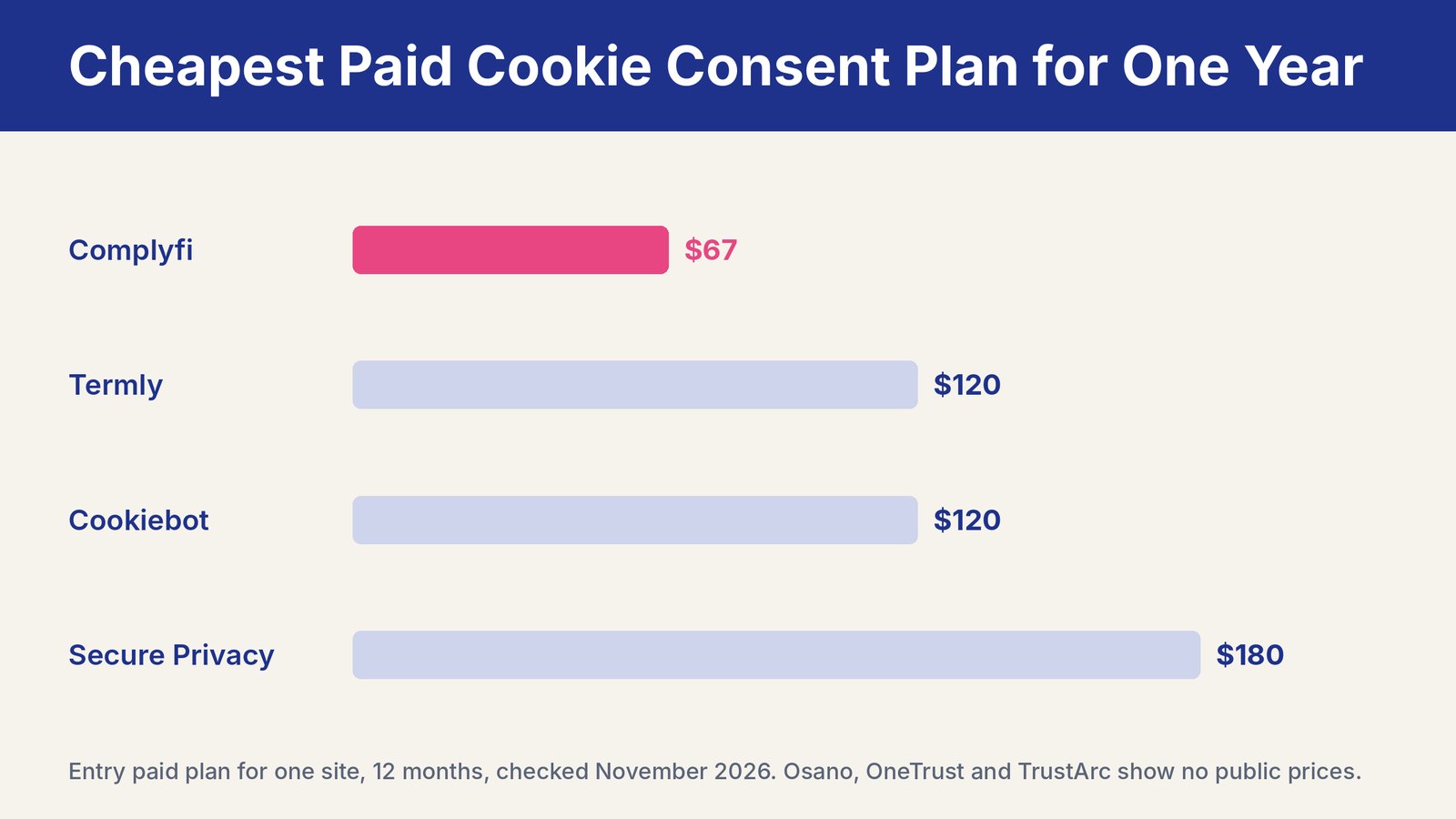
Cookiebot, Termly and Secure Privacy can cost hundreds of dollars a year once you outgrow their free plans. Complyfi is $5.58 a month, paid yearly ($67 a year), or $6.99 month to month.
That's compliance that fits a small business budget, with a 30 day refund.
Pros
- Set up in under a minute
- Google and Microsoft consent modes built in
- Region-based popups in any language
- Lowest price on this list
Cons
- Focused on website consent, not full enterprise privacy programs
- No free forever plan
Pricing
$5.58 a month, paid yearly ($67 a year), or $6.99 month to month. 30 day refund.
2. Cookiebot
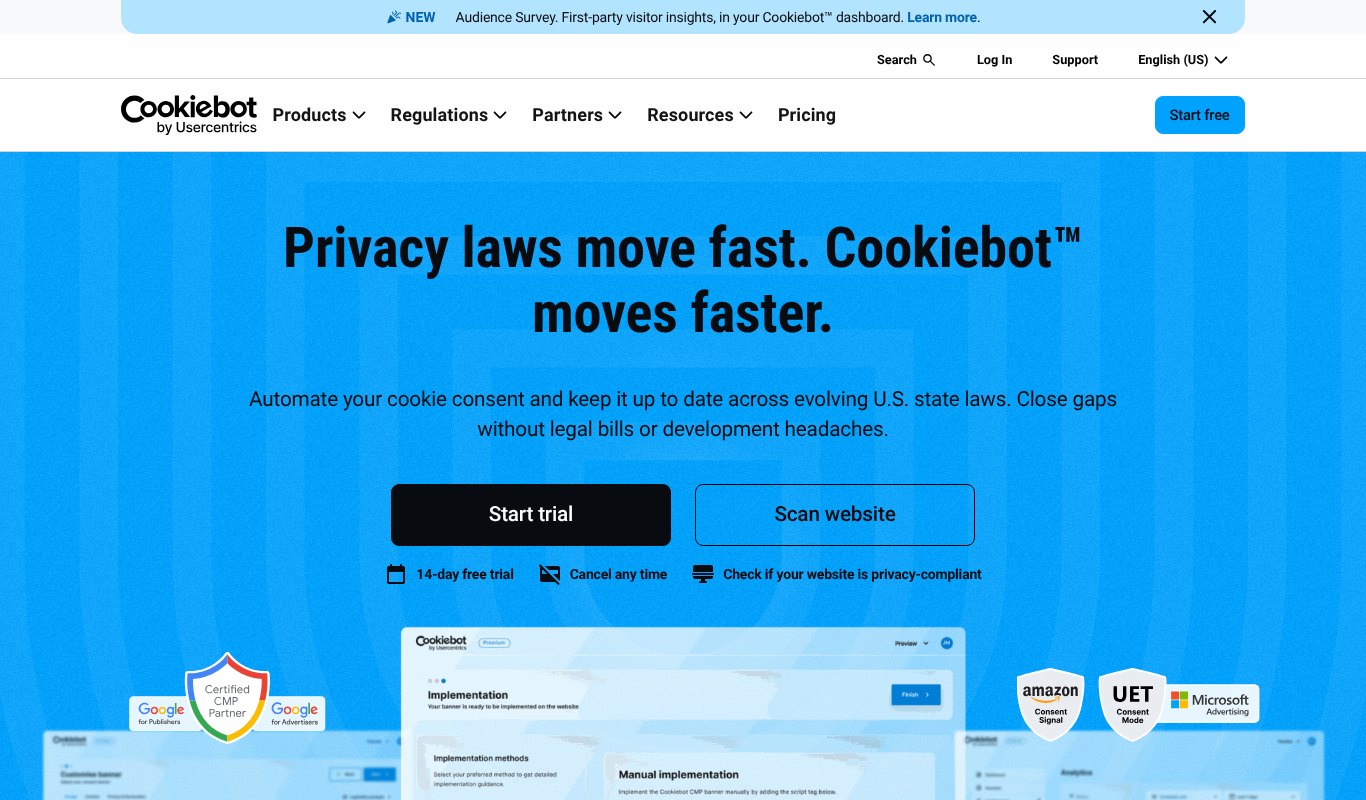
Cookiebot, from Usercentrics, is one of the best known consent banners on the web. It scans your site monthly, blocks cookies until consent and supports Google Consent Mode.
There's a free plan for small sites with fewer than 50 pages. After that, paid plans are priced by the size of your site.
Pros
- Trusted and widely used
- Free plan for very small sites
- Google certified CMP
Cons
- Price climbs with the number of pages
- Daily scans cost extra
Pricing
Free for one small site. Premium Lite starts at $10 a month, with higher plans for larger sites.
3. Termly
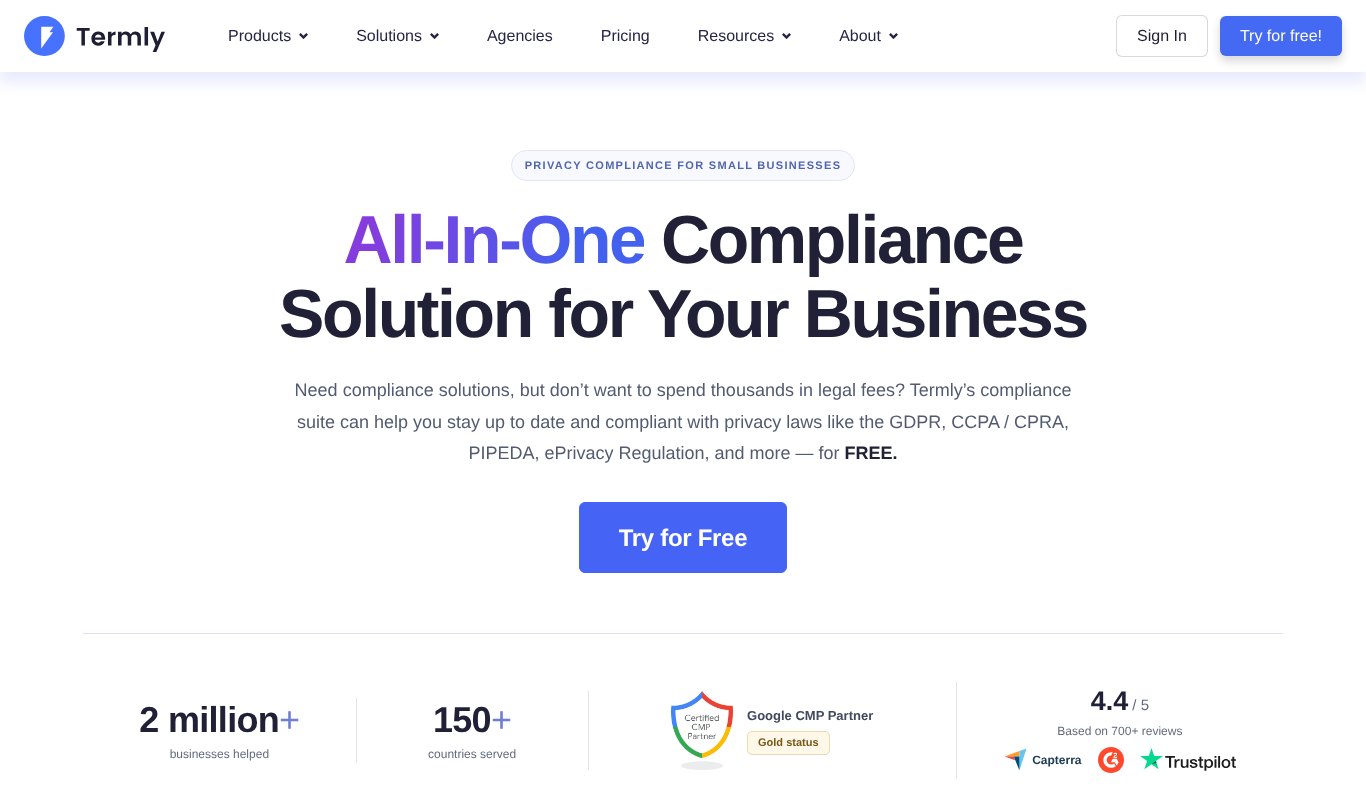
Termly combines a cookie consent banner with generators for privacy policies, terms and conditions and more.
It's built for small businesses that don't want to pay a lawyer for every document. Answer a few questions and it writes the policy for you.
Pros
- Policy generators included
- Free plan
- Easy for beginners
Cons
- Priced per website
- Free plan is limited
Pricing
Free plan available. Starter is $10 per website a month and Pro+ is $15, billed yearly.
4. iubenda
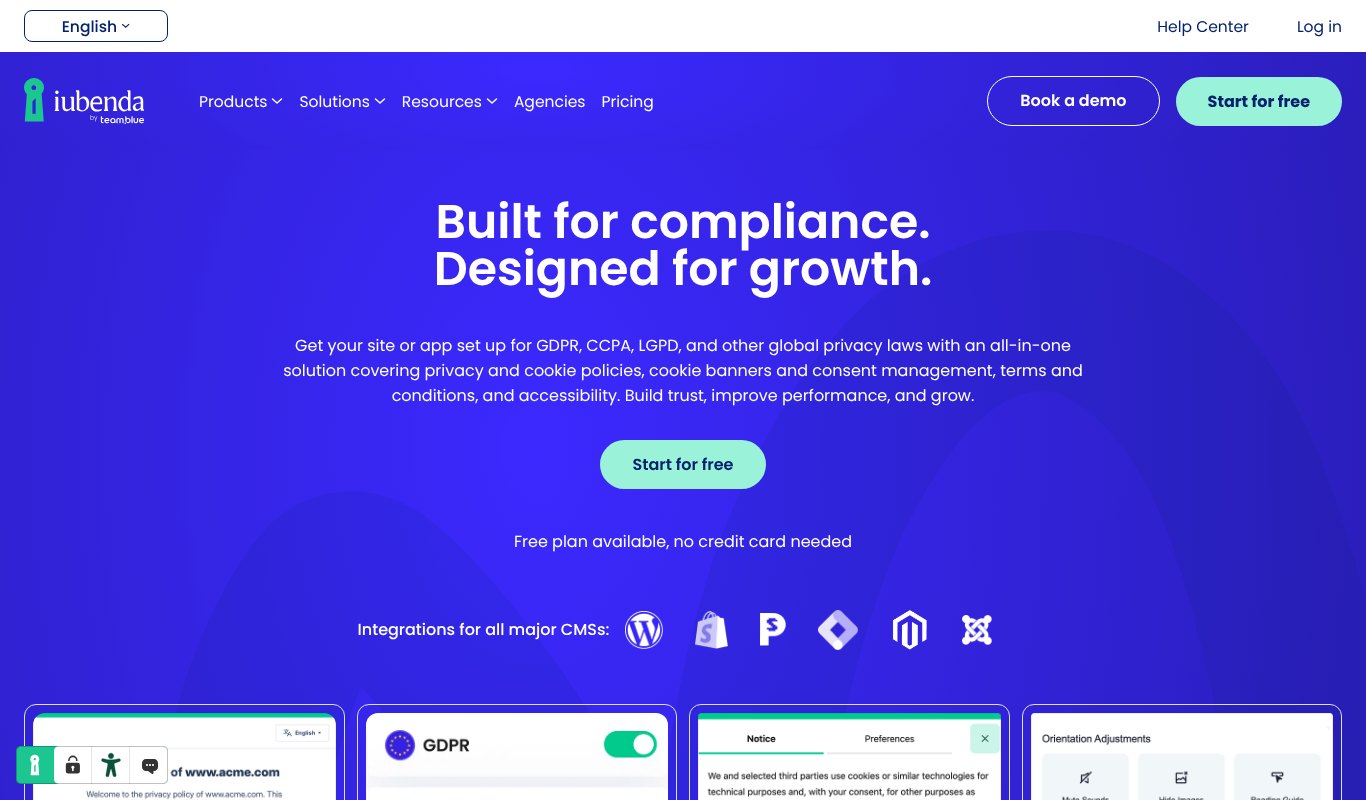
iubenda, from Italy, offers cookie banners, consent records and lawyer-drafted policies in many languages.
It's popular with European businesses and works with WordPress, Shopify and most website builders.
Watch the extras. Extra page views and consent records can add fees.
Pros
- Strong legal documents
- Many languages
- Free plan
Cons
- Usage fees for extra traffic and consents
- Prices in euros
Pricing
Free plan available. Paid plans are €4.99, €19.99 and €79.99 a month.
5. Secure Privacy
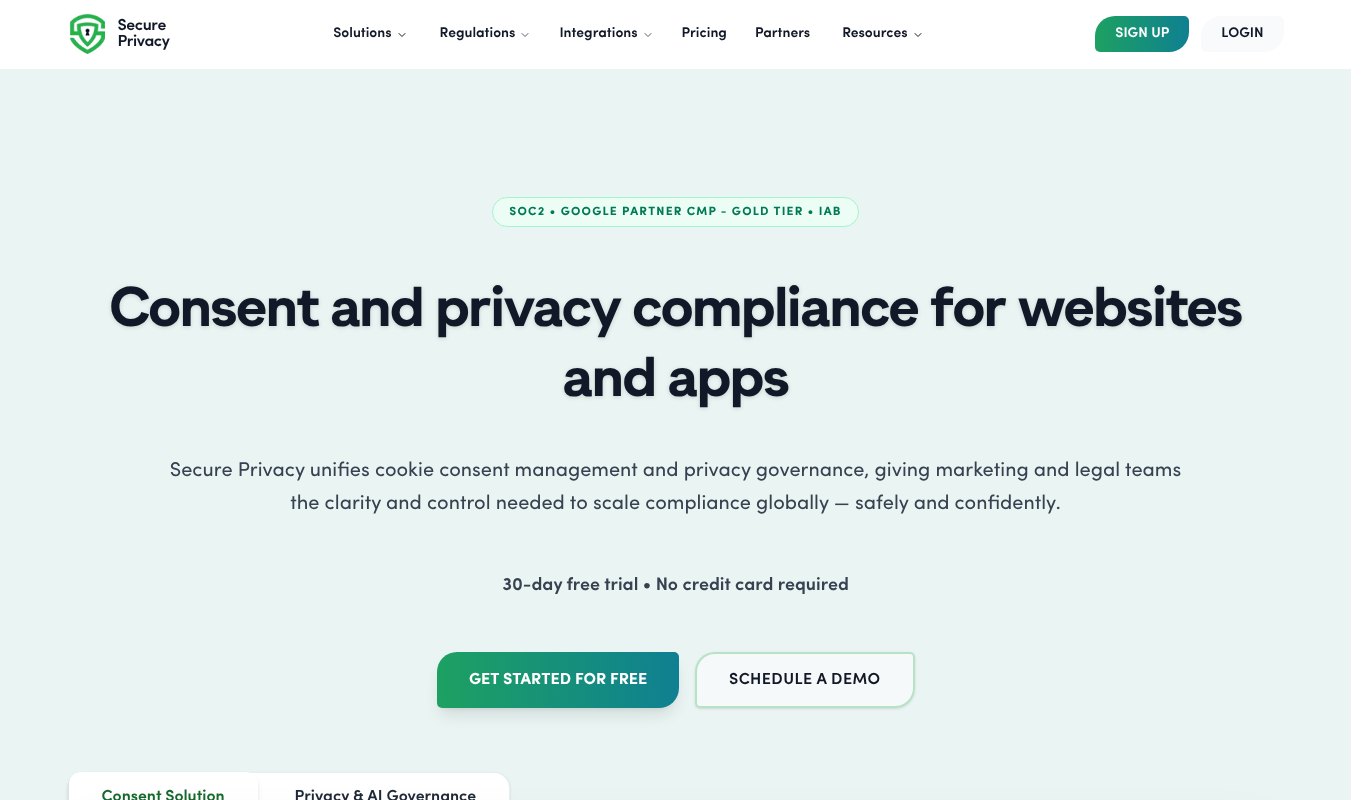
Secure Privacy covers cookie consent for websites and apps, plus privacy governance tools on bigger plans.
It's a Google partner CMP and gives you a 30 day free trial with no card needed.
Pros
- Works for websites and apps
- Free plan and 30 day trial
- Grows into a fuller privacy tool
Cons
- Priced per domain
- Business plan jumps to $59 a month
Pricing
Free plan available. Small is $15 a month per domain and Business is $59 a month per domain.
6. Osano
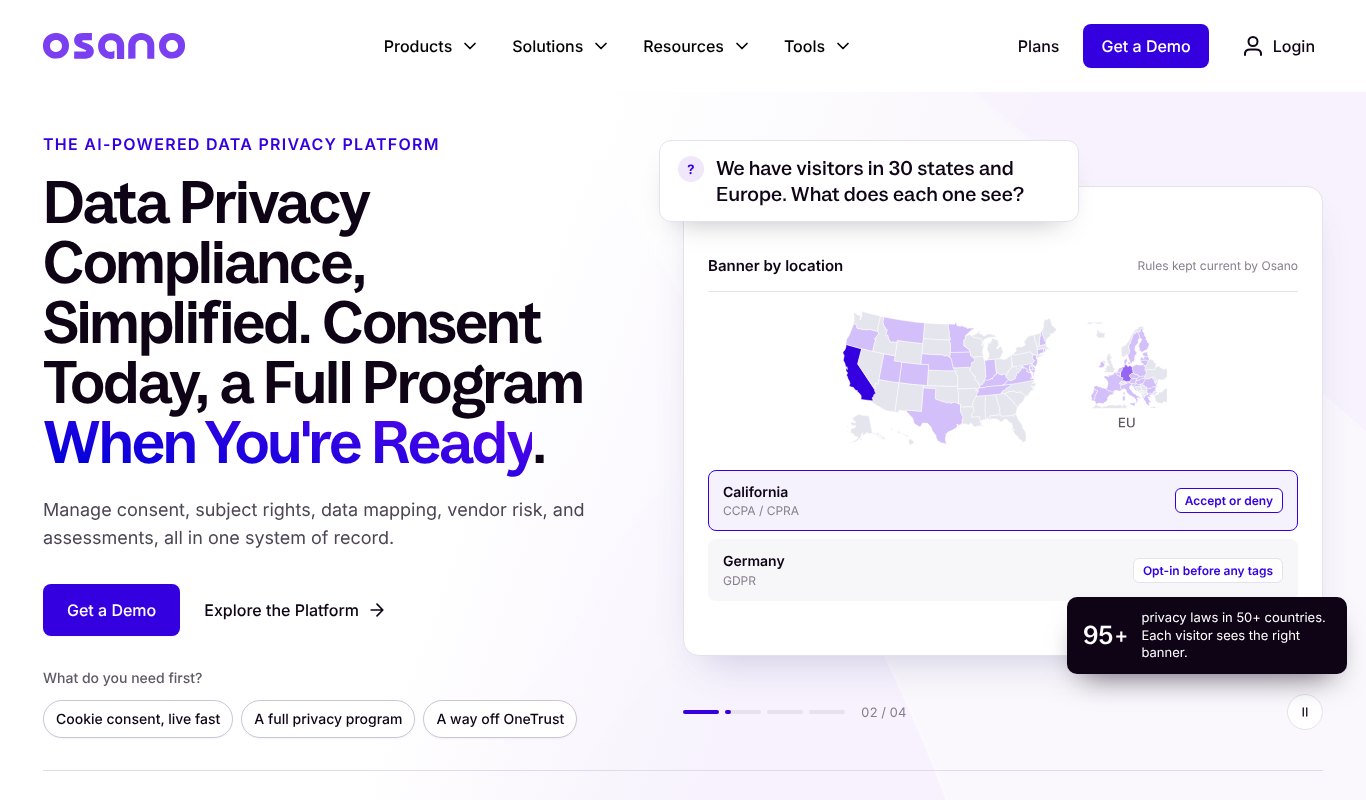
Osano starts with cookie consent and grows into a full privacy program. It handles data subject requests, data mapping, vendor risk and assessments.
It suits mid-size companies that want one place for all things privacy.
Pros
- Full privacy program in one tool
- Handles data requests well
- Free 30 day trial
Cons
- No public pricing
- More than a small site needs
Pricing
Custom pricing. Free 30 day trial available.
7. OneTrust
OneTrust is the big name in enterprise privacy. It covers consent, privacy, security, third-party risk and AI governance for very large organizations.
It's incredibly powerful. It's also complex, and usually needs a dedicated team to run.
Pros
- Covers almost every privacy need
- Built for global enterprises
- Huge integration library
Cons
- Expensive
- Long setup and steep learning curve
Pricing
Custom pricing. Contact sales for a quote.
8. TrustArc
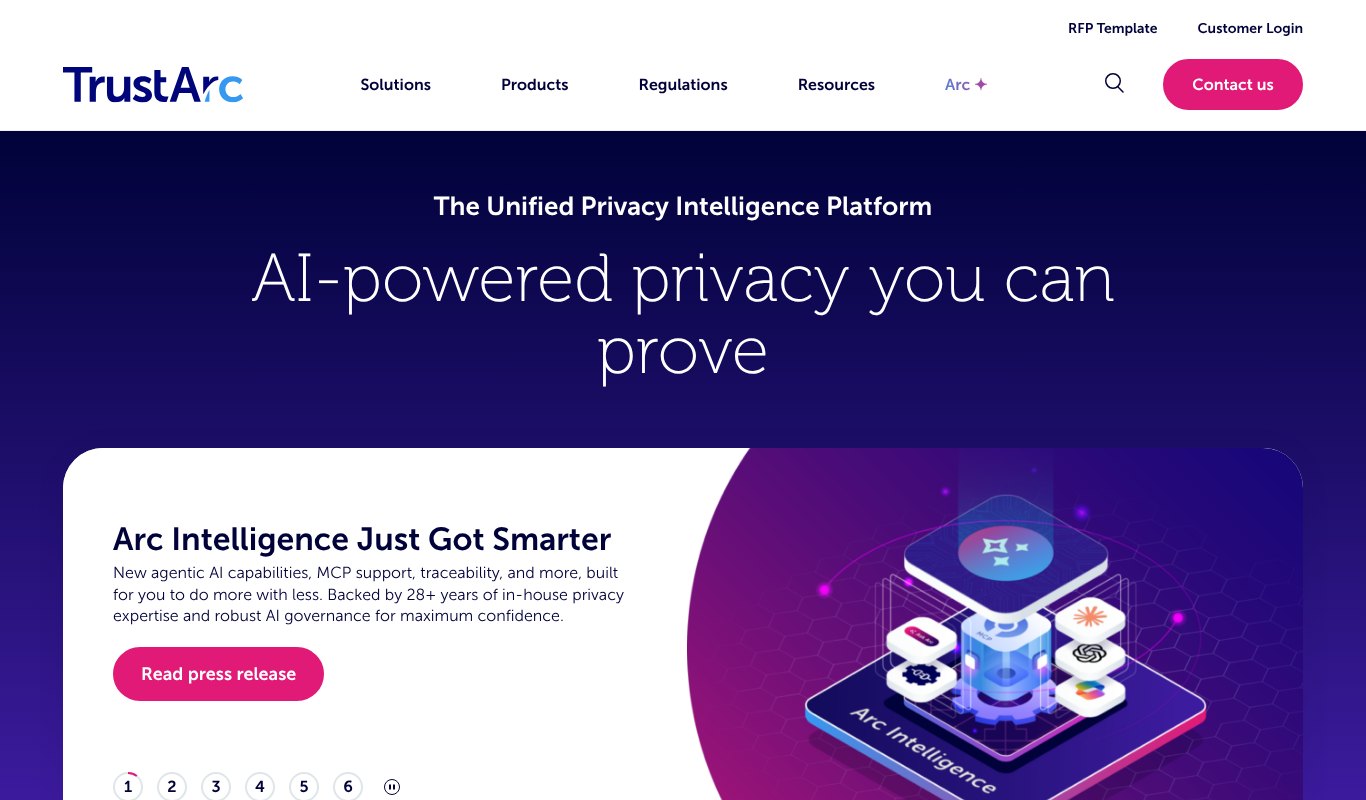
TrustArc mixes privacy software with expert guidance and certifications. Its AI assistant, Arc, helps teams answer privacy questions and run assessments faster.
It's a strong fit for regulated industries like health and finance that want advice as well as tools.
Pros
- Expert guidance and certifications
- AI assistant for privacy teams
- Strong reporting
Cons
- Enterprise pricing
- Slower to set up
Pricing
Custom pricing. Contact sales for a quote.
How to Get Your Website GDPR Ready
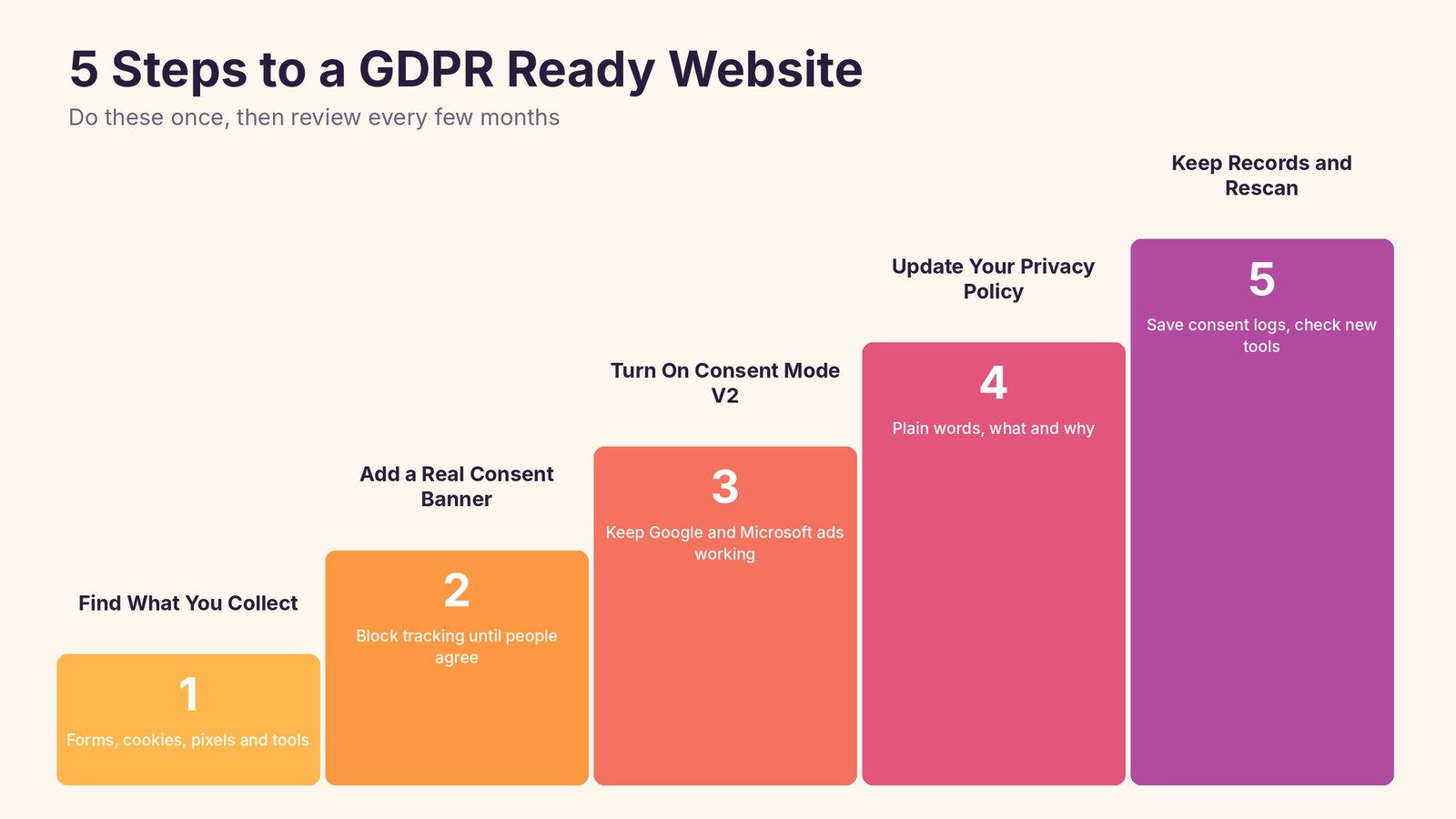
- Find out what you collect. List your forms, cookies, analytics, ad pixels and email tools.
- Add a proper consent banner. It must block tracking until people say yes, and make saying no just as easy.
- Turn on Consent Mode V2 so Google and Microsoft ads keep working within the rules.
- Update your privacy policy in plain words. Say what you collect, why and who you share it with.
- Keep records and review often. Save consent logs, rescan your site and update your banner when you add new tools.
What a Good Consent Banner Looks Like
A compliant banner doesn't have to be ugly or annoying. The best ones are short, friendly and clear.
- A plain sentence that says what you use cookies for, like "We use cookies to measure visits and show relevant ads."
- Accept and Reject buttons of the same size and color.
- A Settings link where people can turn categories like analytics and marketing on or off.
- A link to your privacy policy.
- A small icon or link that lets visitors reopen their choices later.
Keep it out of the way of your main content, especially on phones. A banner that covers the whole screen makes people leave.
GDPR and Your Ads
This is the part many small businesses miss.
When someone in Europe rejects marketing cookies, your Google and Meta pixels shouldn't track them. If they do, you're breaking the rules. If they don't fire at all and you have no consent setup, your ad platforms lose data and your campaigns get worse.
Consent Mode V2 solves that. It tells Google what each visitor chose, and Google fills in the gaps with modeled data. Your reports stay useful and your remarketing lists keep growing, within the rules.
Microsoft Ads has a similar setup called UET Consent Mode. If you advertise on Bing, you need it too. Complyfi supports both out of the box.
Common GDPR Mistakes Small Sites Make
A banner that only says "We use cookies." That's not consent. Visitors need a real choice before tracking starts.
Hiding the reject button. If saying yes takes one click, saying no should too.
Firing pixels before consent. Many sites load Facebook or Google tags instantly. A good tool blocks them until the visitor agrees.
Set it and forget it. Every new plugin or ad tool can add cookies. Rescan regularly.
How to Choose the Right Tool
Small business or blog? You mainly need cookie consent, Consent Mode and records. Complyfi, Termly or Cookiebot will do it.
Running ads in Europe? Make sure the tool supports Google Consent Mode V2 and Microsoft UET. Complyfi supports both.
Many sites or apps? Check per-domain pricing carefully, because it multiplies fast.
Large company with a privacy team? Look at Osano, OneTrust or TrustArc for full programs.
Frequently Asked Questions
Does GDPR apply to businesses outside Europe?
Yes, if you offer goods or services to people in the EU or track their behavior online, such as with cookies or ad pixels.
Is a cookie banner enough for GDPR?
Only if it gives a real choice, blocks tracking until consent and keeps records. A notice that just says "we use cookies" is not enough.
What is Google Consent Mode V2?
It's a way for your site to tell Google what each visitor agreed to. Google requires it to build ad audiences in Europe. Complyfi supports it out of the box.
Is there free GDPR compliance software?
Cookiebot, Termly, iubenda and Secure Privacy have free plans with limits. Most growing sites outgrow them quickly.
Do I need a Data Protection Officer?
Many small businesses don't, but larger ones that process lots of personal data often do. Either way, it's good practice to show a privacy contact. Complyfi lets you show DPO details right inside the consent popup and collects data questions by email.
How often should I rescan my site for cookies?
At least once a month, and every time you add a new plugin, form or ad pixel. Tools like Complyfi rescan on a schedule for you.
Does a consent banner slow down my site?
A well built one doesn't. Complyfi serves its popup from fast Amazon servers, so your pages stay quick.
Final Thoughts
Privacy rules aren't going away. They're spreading to more countries every year.
The smart move is to get compliant once, automate it and get back to running your business.
If you want GDPR, CCPA and Consent Mode V2 handled in under 60 seconds, try Complyfi. It's $5.58 a month, paid yearly, with a 30 day refund.
*This article is general information, not legal advice. Talk to a lawyer about your specific situation.*